 Chat with us

Call us now :07971671080
 Send Inquiry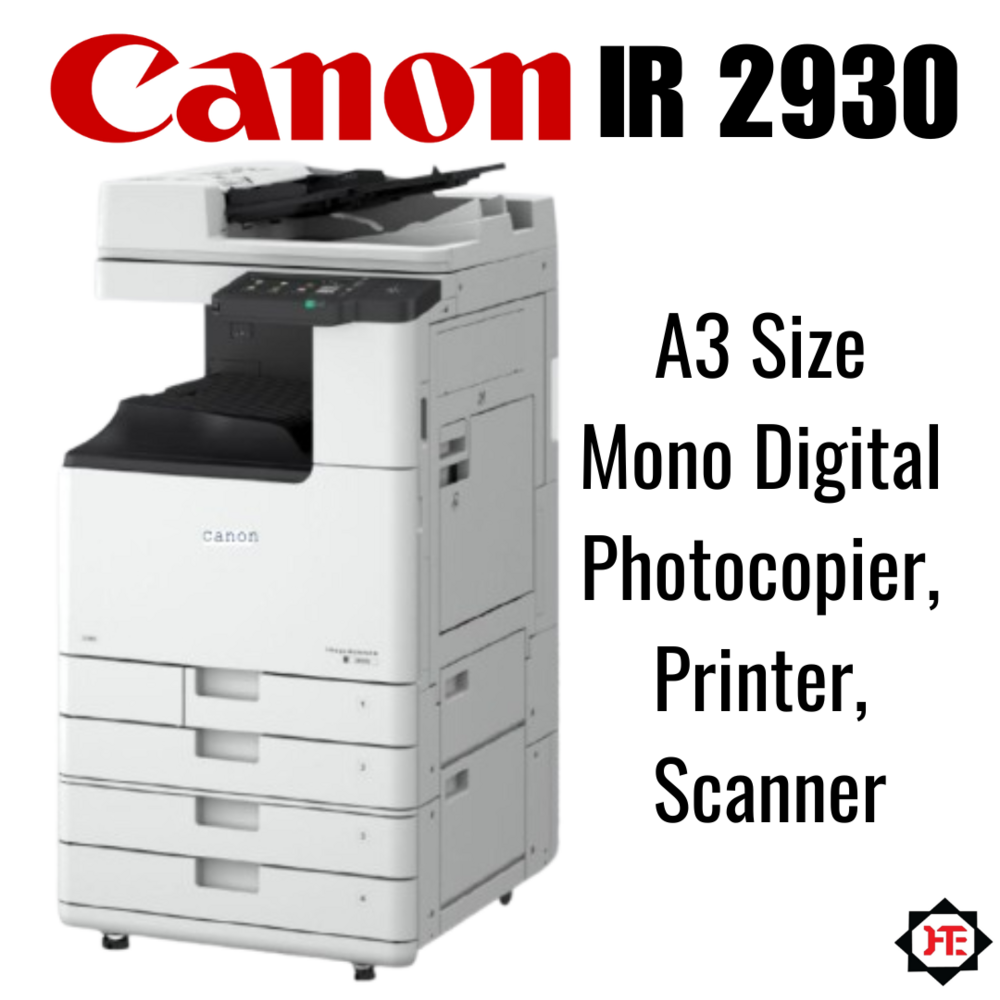
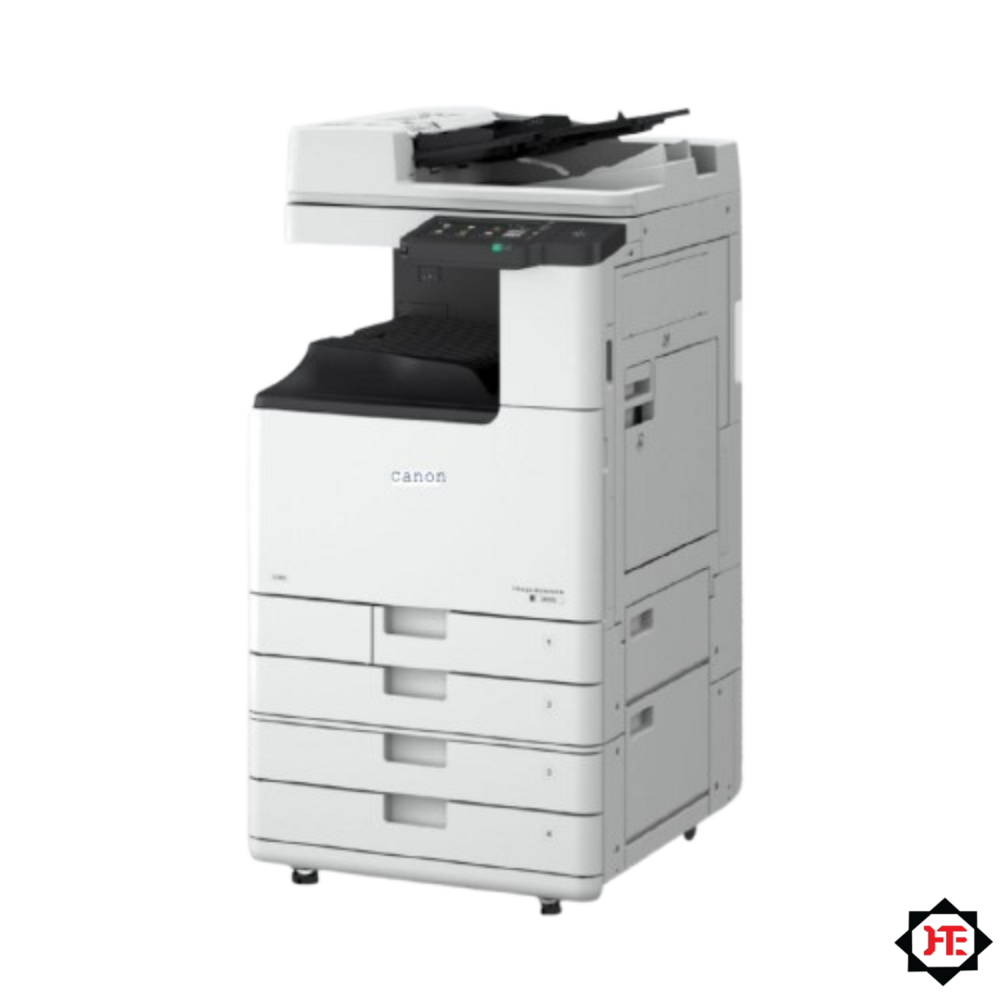
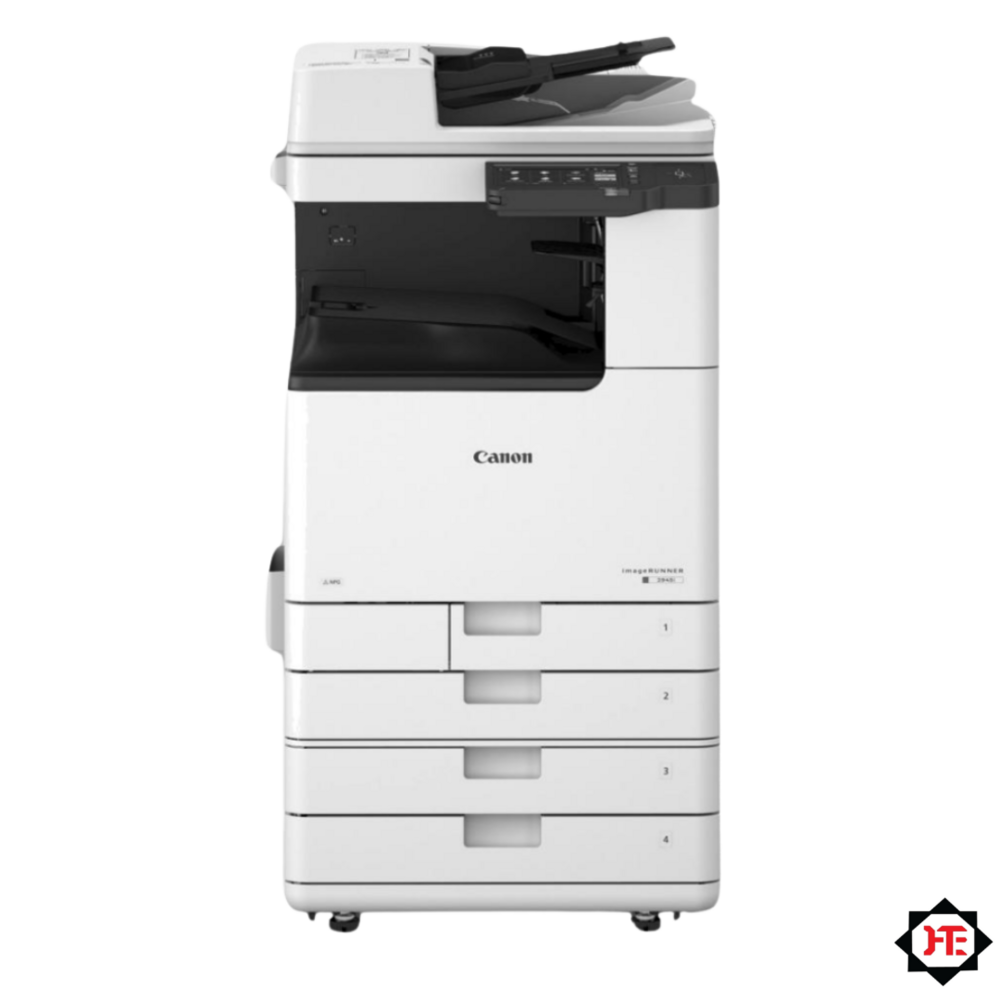
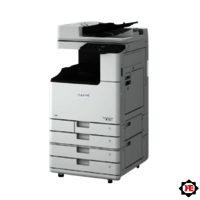
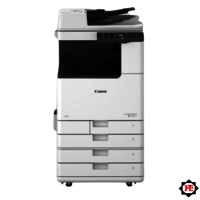
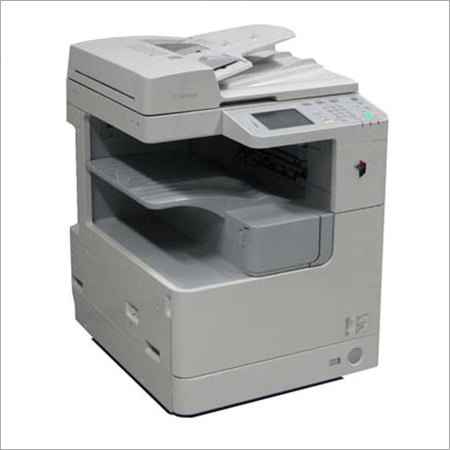
Canon Ir2930 A3 Size Mono Digital Photocopier Printer Scanner
199999 INR/Piece
Product Details:
- Type Digital Multifunction Device
- Condition New
- Print Speed 29 ppm (A4)
- Zoom Range 25% - 400% (in 1% increments)
- Scanning Resolution 600 x 600 dpi
- Warm-up Time 13 seconds or less
- First Copy Time 6.8 seconds or less
- Click to View more
X
Canon Ir2930 A3 Size Mono Digital Photocopier Printer Scanner Price And Quantity
- 1 Piece
- 199999 INR/Piece
Canon Ir2930 A3 Size Mono Digital Photocopier Printer Scanner Product Specifications
- 29 copies per minute (A4)
- Approximately 36.6 kg
- Laser Electrostatic Transfer System
- Digital Multifunction Device
- 220-240V AC, 50/60Hz
- 256 levels
- 60 to 128 gsm (cassette); 64 to 128 gsm (bypass)
- 6.8 seconds or less
- 600 x 600 dpi
- 25% - 400% (in 1% increments)
- New
- 565mm x 693mm x 896mm (W x D x H)
- A3, A4, A4R, A5, B4, B5, B5R, Legal, Letter, Executive, Statement
- 29 ppm (A4)
- 13 seconds or less
- Standard
- Standard Automatic Duplexing
- Less than 75 dB (in operation)
- 600 x 600 dpi
- 5-line LCD
- USB 2.0, 10Base-T/100Base-TX
- 1 x 250-sheet cassette + 80-sheet bypass tray
- Up to 50,000 pages
- Windows, Mac OS
- 800 MHz
- Canon NPG-67
- Approx. 1.5 kWh/week
- 512 MB (RAM)
- Up to 1080 sheets (with optional cassettes)
- Standard
- A3
Canon Ir2930 A3 Size Mono Digital Photocopier Printer Scanner Trade Information
- 10 Piece Per Month
- 7 Days
Product Description
Canon Ir2930 A3 Size Mono Digital Photocopier Printer Scanner
Make: Canon
Model: Ir2930
Condition: New
Type: Tower
Technology: Laser Dry Toner Powder
Functions: Copier, Printer, Scanner
Printing Colour: Monochrome/ Black and White
Printing Size Max: A3
Print Speed in PPM: 30
Print Resolutions (DPI): 1200
PC Connectivity: USB wire, LAN
Paper weight Min /Max GSM: 60 to 200.
Memory Ram: 2 GB
Hard Disk: 64GB (eMMC)
Duplex Print: Yes
Duplex Scan DADF: Yes
Tray (Sheets): 2 X 500 (2X 500 Optional)
Bypass (Sheet): 1 X 100
Power Consumption in Watt: 1500W
Trolley: Optional
Dimension (W X D X H) MM: 565 X 693 X 852
Machine Weight: Approx.: 65kg
Toner Cartridge (NPG90) Capacity (CEXV67) Approx. : 33000 Prints.
Drum Cartridge (NPG90) Life Approx. : 50000 Prints.
Printing Capacity Monthly Approx. : 100000 Prints.
Machine Life Approx.: 10 Lakhs Prints Or 5 Years.
Efficient High-Volume Performance
With a monthly duty cycle of up to 50,000 pages, the Canon IR2930 caters to offices with substantial print and copy requirements. Its 29 pages per minute speed (A4) and duplex capabilities enable smooth workflows, while the rapid 13-second warm-up time ensures quick readiness for demanding tasks.
Advanced Usability and Connectivity
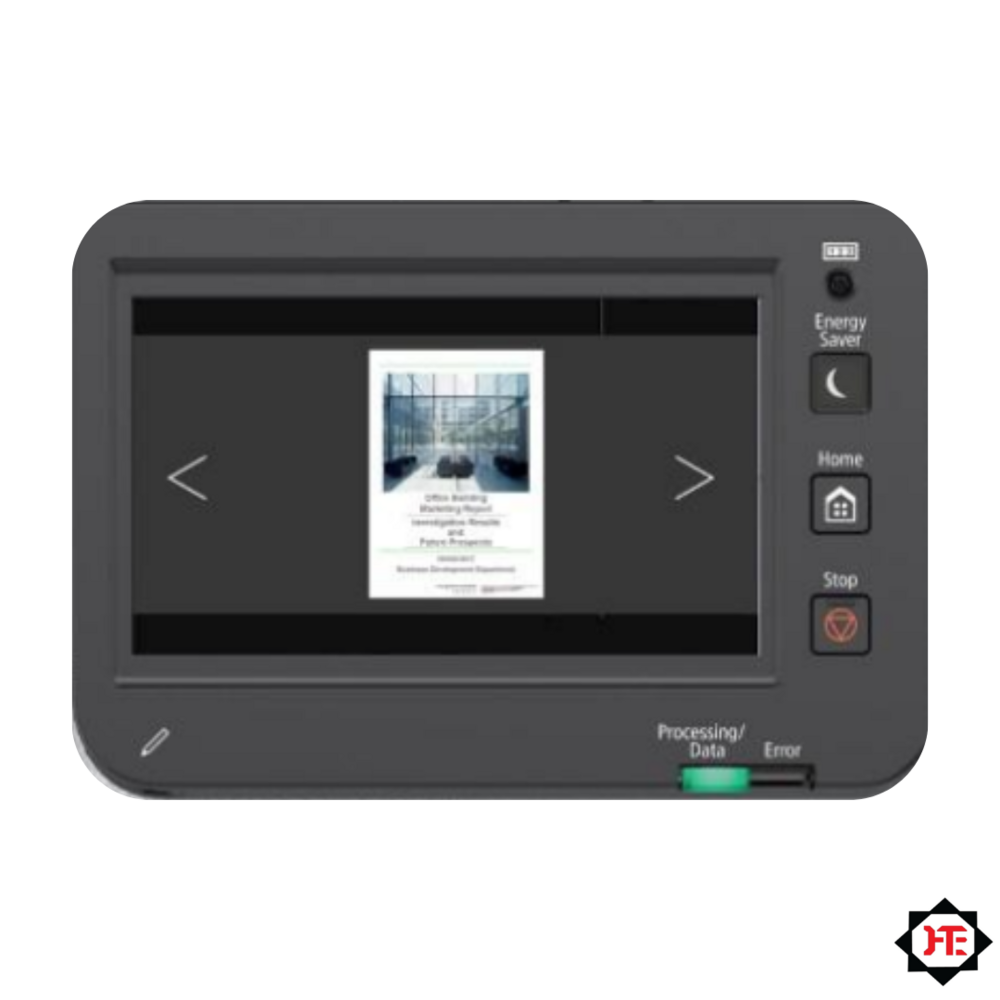
The IR2930's intuitive 5-line LCD and multiple connectivity options, including USB 2.0 and network support, simplify integration into existing office environments. Standard network printing and scanning functions streamline document handling, enhancing productivity for teams that rely on smooth, digital document management.
FAQ's of Canon Ir2930 A3 Size Mono Digital Photocopier Printer Scanner:
Q: How do I set up the Canon IR2930 for network printing and scanning?
A: To set up the IR2930 for network printing and scanning, connect the device to your office network using the built-in 10Base-T/100Base-TX Ethernet port. Install the necessary drivers for Windows or Mac OS, and follow the setup instructions provided in the manual. This enables seamless printing and scanning from multiple workstations.Q: What paper sizes and weights are supported by the Canon IR2930?
A: The Canon IR2930 supports a wide range of paper sizes, including A3, A4, A4R, A5, B4, B5, B5R, Legal, Letter, Executive, and Statement. The cassette holds paper weighing 60 to 128 gsm, while the bypass tray accepts 64 to 128 gsm, offering versatile media handling for business needs.Q: When should I replace the toner cartridge, and which type is compatible?
A: You should replace the toner cartridge when print quality diminishes or the device displays a low-toner warning. The IR2930 uses the Canon NPG-67 toner cartridge, readily available through authorized dealers and suppliers across India.Q: Where can I find authorized service or support for my Canon IR2930 in India?
A: Authorized service, support, and supplies for the Canon IR2930 are available through Canon's network of dealers, distributors, and service providers across India. Contact your local Canon representative or consult the Canon India website for details.Q: What are the primary benefits of using the IR2930 for my business?
A: The IR2930 offers high-speed, reliable monochrome copying, printing, and scanning with network connectivity, automatic duplexing, and minimal warm-up time. Its large paper capacity and energy efficiency make it suitable for high-volume office environments, boosting productivity and reducing operational costs.Q: How can I optimize the device for energy savings?
A: The IR2930 is designed for efficiency, consuming approximately 1.5 kWh per week. Make use of its automatic duplexing feature and energy-saving modes, and ensure it is switched off or set to sleep mode when not in use for further energy savings.Tell us about your requirement

Price:
Quantity
Select Unit
- 50
- 100
- 200
- 250
- 500
- 1000+
Additional detail
Mobile number
Email

Other Products in 'Copiers' category


We mainly handle local order inquiries.
 Send Inquiry


Our Products



A-803, KeyTech Park, Oshiwara. S. V. Road, Jogeshwari West,Mumbai - 400102, Maharashtra, India

Mr Sachin Gavali
(CEO)
Mobile :07971671080
 Send Inquiry
 Send SMS
Developed and Managed by Infocom Network Private Limited.


