 Chat with us

Call us now :07971671080
 Send Inquiry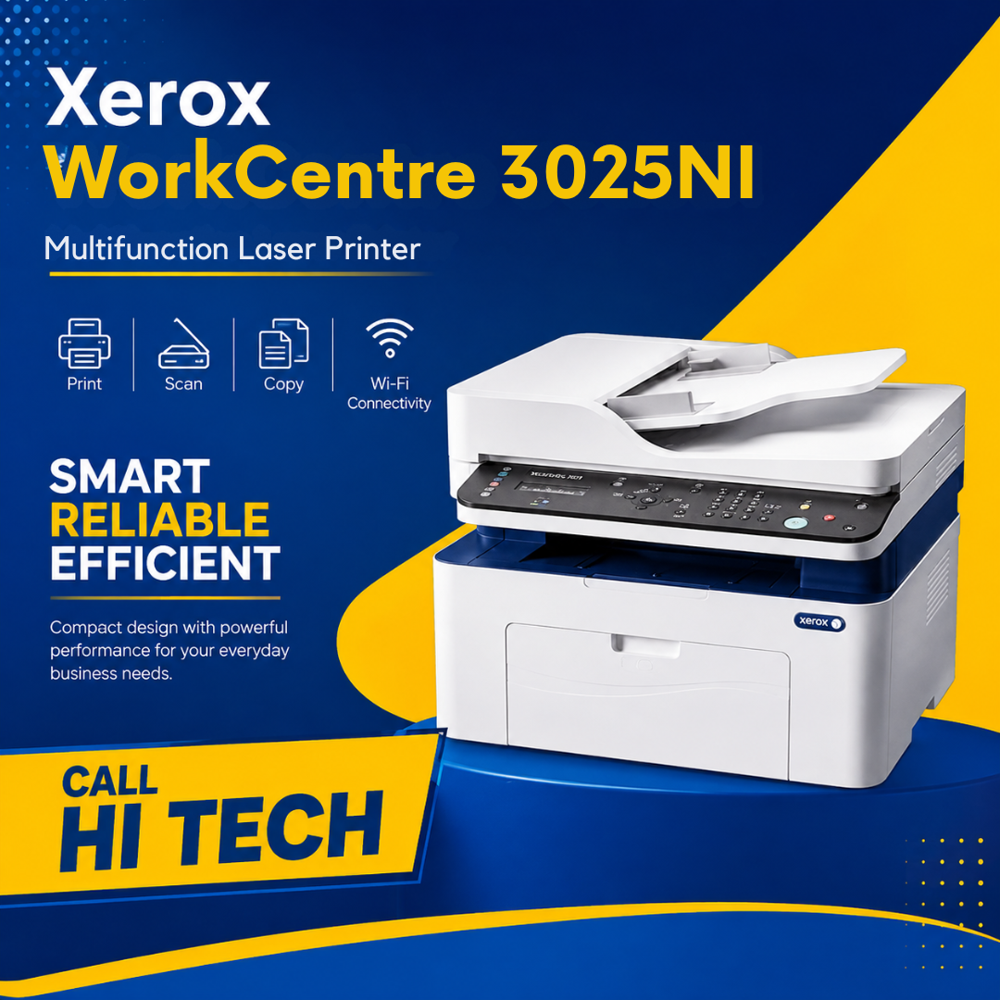
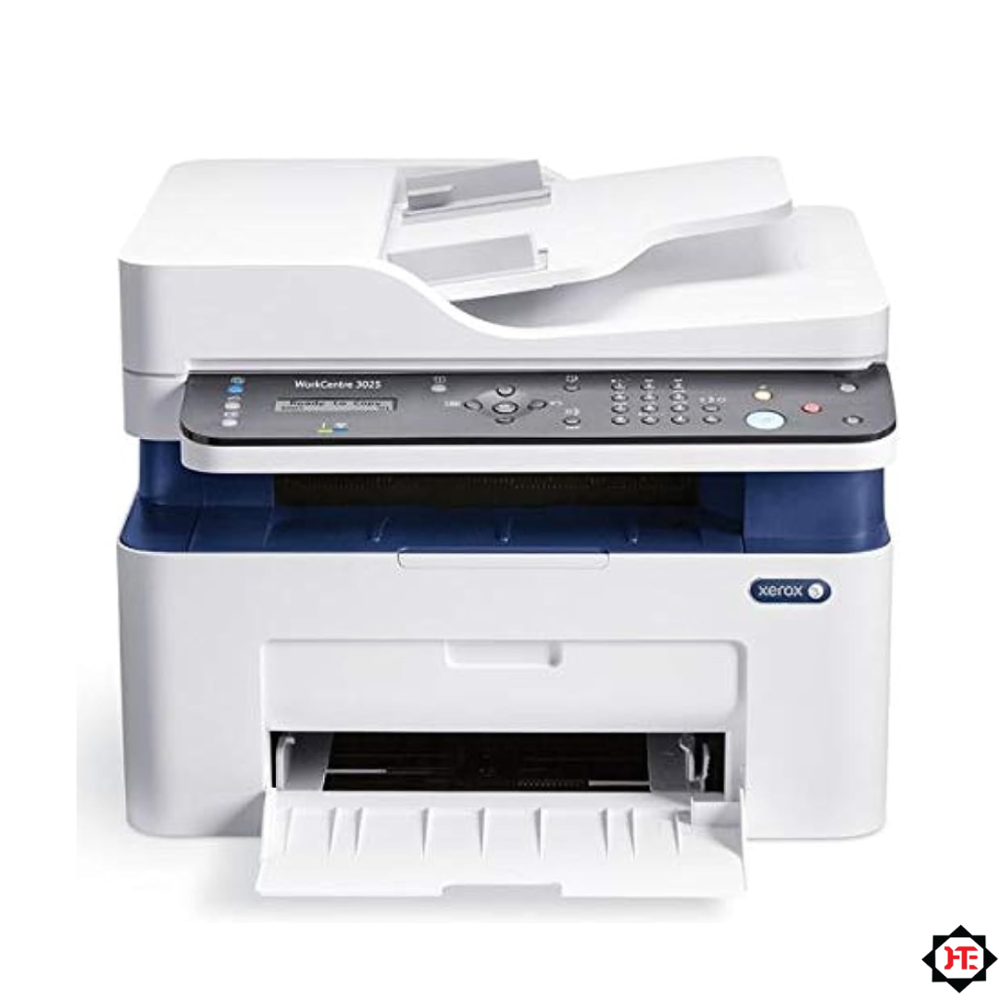
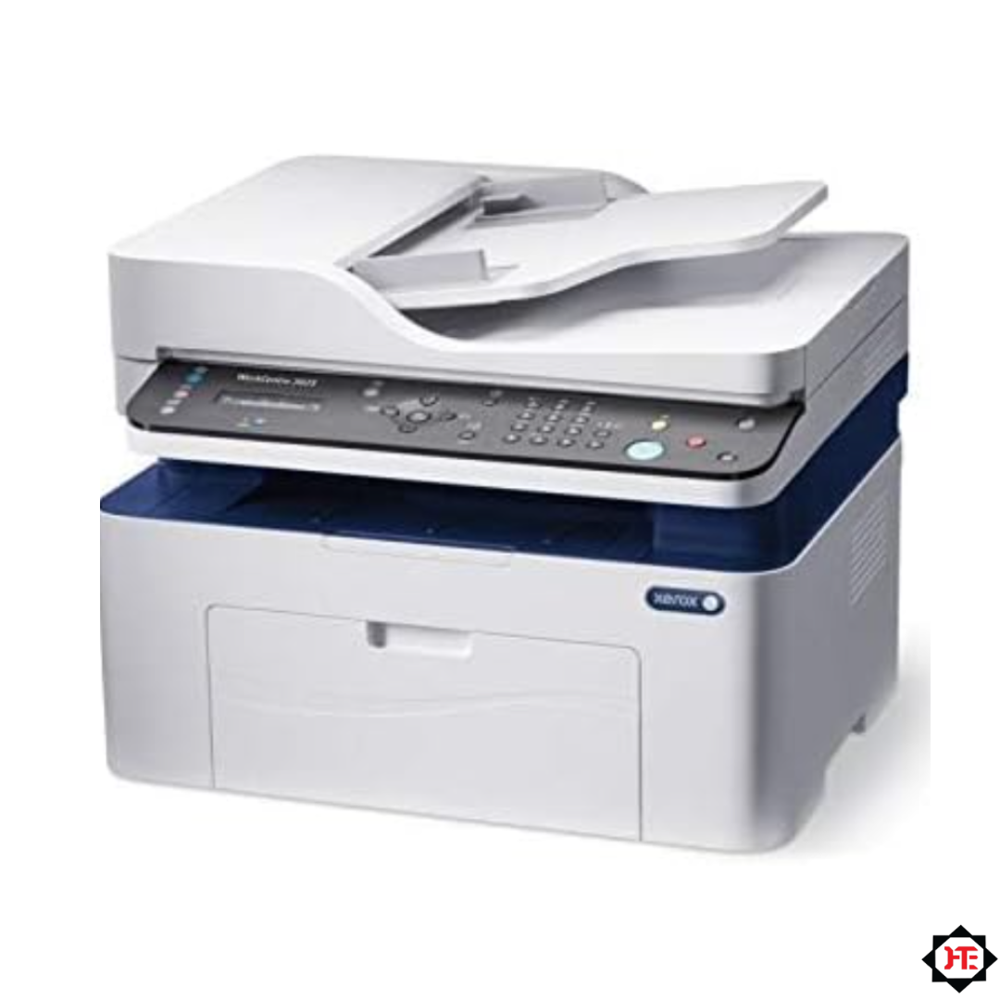
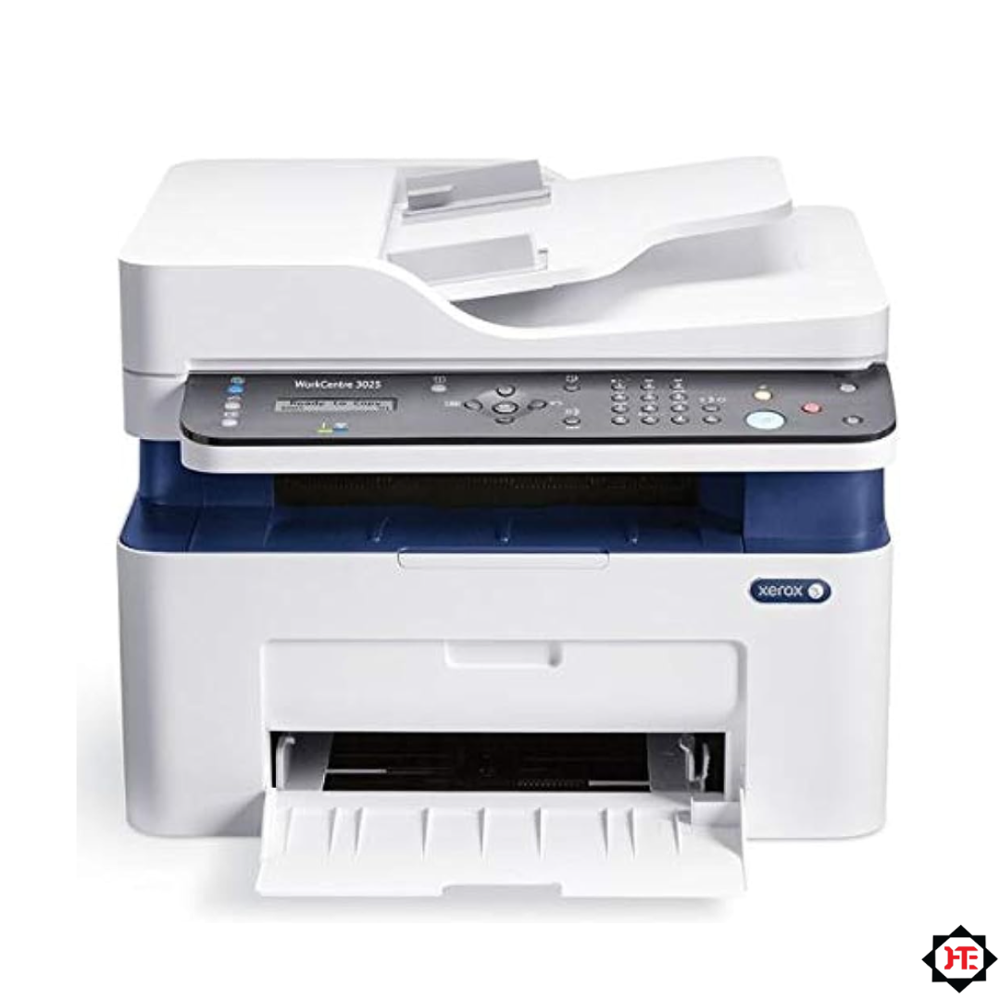
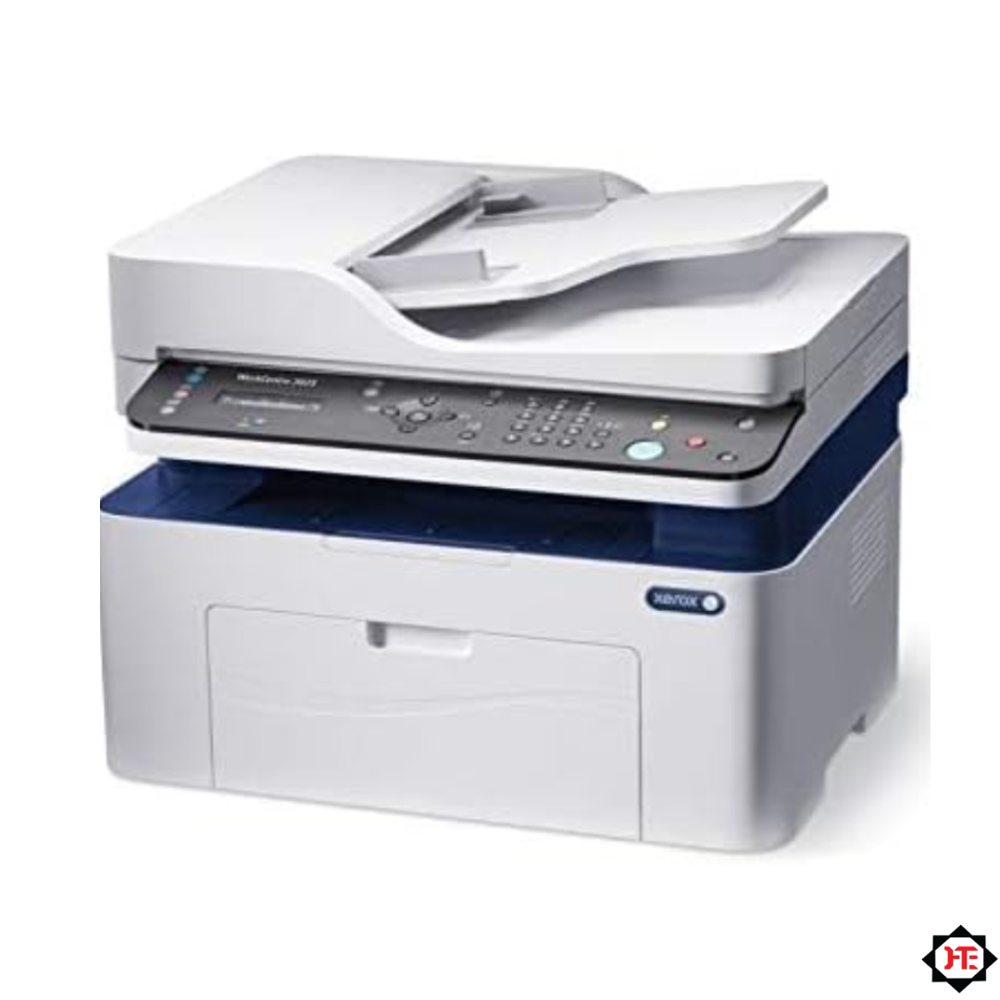
Xerox WorkCentre 3025NI Multifunction Laser Printer
30000.00 INR/Piece
Product Details:
- Type Multifunction: Print, Scan, Copy, Wi-Fi Connectivity
- Condition New
- Print Speed Up to 20 ppm (A4)
- Zoom Range 25% - 400%
- Scanning Resolution Up to 4800 x 4800 dpi (Enhanced)
- Warm-up Time Less than 35 seconds
- First Copy Time Less than 14 seconds
- Click to View more
X
Xerox WorkCentre 3025NI Multifunction Laser Printer Price And Quantity
- 1 Piece
- 30000.00 INR/Piece
Xerox WorkCentre 3025NI Multifunction Laser Printer Product Specifications
- Up to 20 cpm
- Laser Monochrome
- Less than 14 seconds
- Less than 35 seconds
- New
- Multifunction: Print, Scan, Copy, Wi-Fi Connectivity
- Up to 4800 x 4800 dpi (Enhanced)
- A4, Letter, Legal, Folio, Oficio, Envelope (various sizes), Custom sizes
- 60 - 163 gsm
- 406 x 360 x 308 mm (W x D x H)
- 25% - 400%
- Approx. 8.4 kg
- 256 levels
- Up to 20 ppm (A4)
- 220 - 240 V, 50/60 Hz
- USB 2.0, Wi-Fi 802.11 b/g/n
- Windows, Mac OS, Linux
- ENERGY STAR Qualified
- Standby: <26 dB(A), Printing: <49 dB(A)
- 600 MHz
- 150 sheets
- 128 MB
- Up to 1200 x 1200 dpi (Enhanced)
- Wi-Fi Direct, WPS, Mobile printing support
- Up to 15,000 pages
- 2-line LCD display with navigation buttons
- 100 sheets
- Up to 600 x 600 dpi
- Plain, Thick, Thin, Cotton, Color, Pre-printed, Recycled, Label, Cardstock, Bond, Archive, Envelope
- Approx. 1,500 pages (standard)
Xerox WorkCentre 3025NI Multifunction Laser Printer Trade Information
- 5 Days
Product Description
The Xerox WorkCentre 3025NI is an all-in-one monochrome laser multifunction printer designed to increase office productivity in a space-saving desktop footprint. Combining Print, Copy, and Scan functions, this device delivers reliable black-and-white output at speeds up to 20 PPM with a fast first-page-out time of just 8.5 seconds. Featuring complete network flexibility with built-in Wi-Fi, Ethernet (LAN), and USB 2.0 connectivity, the WorkCentre 3025NI enables seamless mobile printing and effortless document sharing across shared office environments.
Technical Specifications
| Specification Field | Technical Details |
| Brand & Model | Xerox WorkCentre 3025NI |
| Machine Condition | 100% Brand New |
| Print Technology | Laser (Dry Toner Powder) |
| Functions | Print, Scan, Copy |
| Printing Color | Monochrome (Black & White) |
| Maximum Paper Size | A4 |
| Print Speed (A4) | Up to 20 PPM |
| First Page Out Time | As fast as 8.5 seconds |
| Print Resolution | 600 DPI (Up to 1200 1200 Enhanced Image Quality) |
| Scanner Type | Flatbed Scanner |
| Scan & Copy Resolution | 600 600 DPI |
| Processor & Memory | 600 MHz / 128 MB RAM |
| Monthly Duty Cycle | Up to 15,000 Prints |
| Paper Input Capacity | 150 Sheets |
| Paper Output Capacity | 100 Sheets |
| Connectivity | Built-in Wi-Fi, Ethernet (LAN), High-Speed USB 2.0 |
| Mobile Printing Support | Yes |
| Supported Media Types | Plain Paper, Thick, Thin, Labels, Envelopes, Card Stock |
| Supported OS | Windows, macOS, Linux |
| Warranty | 1 Year Limited Manufacturer Warranty |
Key Features & Highlights
-
Complete Network & Wireless Connectivity: Integrated Wi-Fi and Ethernet (LAN) allow easy shared printing across multiple network users and mobile devices.
-
Fast First Print Output: Prints your first page in as fast as 8.5 seconds, eliminating startup delays during high-volume document requests.
-
Sharp Print Quality: Produces crisp text and precise graphics with up to 1200 1200 enhanced image quality.
-
High Monthly Duty Cycle: Built for business reliability with a monthly duty cycle capacity of up to 15,000 pages.
-
Compact & Energy-Efficient Design: Fits neatly on reception desks and small office counters while minimizing power consumption.
-
Ideal Applications & Industry Use
-
Home Offices & Startups Space-saving, high-performance daily printing.
-
Shared Office Workgroups Multi-user connectivity via LAN and wireless networks.
-
Retail Billing Counters & Reception Desks Fast, immediate document and invoice copying.
-
Coaching Classes & Educational Institutes Quick distribution of tests, study packs, and notes.
-
CA & Legal Offices Reliable monochrome printing for contracts, tax forms, and compliance documents.
-
Whats in the Box?
-
Xerox WorkCentre 3025NI Printer
-
Starter Black Toner Cartridge
-
Power Cable
-
USB Cable
-
Quick Installation / Setup Guide
-
Warranty Documents
-
Why Buy From Hi-Tech Enterprises?
-
Trusted Office Automation Partner Since 2006: Over 20 years of expertise providing reliable office automation and IT solutions across India.
-
100% Genuine & Authorized Products: Direct sourcing of original machines, consumables, and spare parts.
-
Expert Pre-Sales & Technical Consultation: Guidance on selecting the exact machine for your operational workload and budget.
-
Professional Installation & Configuration: Complete setup, network integration, and training by certified service engineers.
-
Comprehensive After-Sales & AMC Support: Preventive maintenance, fast technical call-outs, and extended service support (up to 7 years).
-
PAN India Delivery: Safe and timely dispatch to commercial locations nationwide.
Reliable All-in-One Functionality
The Xerox WorkCentre 3025NI seamlessly combines printing, scanning, and copying in one compact machine. Designed to meet the demands of small offices, it ensures convenience and efficiency without sacrificing print quality or speed. With a 600 MHz processor and 128 MB memory, tasks are handled swiftly and reliably, making it ideal for daily document workflows.
Wireless and Mobile Printing Made Simple
Enjoy the freedom to print from virtually anywhere in the office thanks to built-in Wi-Fi 802.11 b/g/n support. Features like Wi-Fi Direct and WPS allow easy, cable-free connections, while mobile printing ensures compatibility with smartphones and tablets. No need for complex networking-just connect and print, scan, or copy with minimal setup.
Exceptional Print and Scan Quality
Boasting up to 1200 x 1200 dpi enhanced print resolution and 4800 x 4800 dpi (enhanced) scanning, the WorkCentre 3025NI produces crisp, clear documents and precise reproductions. Its grayscale capability handles intricate details, ensuring that both text and graphics are sharp and professional for every task.
FAQ's of Xerox WorkCentre 3025NI Multifunction Laser Printer:
Q: How do I set up wireless printing on the Xerox WorkCentre 3025NI?
A: To set up wireless printing, use the Wi-Fi Direct or WPS (Wi-Fi Protected Setup) features. Access the printer's control panel, select the network menu, and follow prompts for Wi-Fi setup. You can connect the printer to your existing wireless network or directly to your mobile device, enabling cable-free operation.Q: What operating systems are supported by the WorkCentre 3025NI?
A: The WorkCentre 3025NI supports a range of operating systems, including Windows, Mac OS, and Linux. This compatibility ensures seamless integration in diverse computing environments, allowing users to print and scan without complicated setups.Q: When should I replace the toner cartridge, and how many pages can it print?
A: You should replace the toner cartridge when print quality declines or when the printer notifies you. The standard toner cartridge yields approximately 1,500 pages, making it ideal for moderate monthly print volumes. Replacement is straightforward and can be done in minutes.Q: Where can I find information on supported paper sizes and media types?
A: Supported paper sizes include A4, Letter, Legal, Folio, Oficio, various envelopes, and custom sizes. The printer accommodates a wide range of media types, such as plain, thick, thin, cotton, color, pre-printed, recycled, labels, cardstock, bond, archive, and envelopes. This information is available in the user manual and on the Xerox website.Q: What is the process for scanning documents at high resolution?
A: To scan at high resolution (up to 4800 x 4800 dpi enhanced), place your document on the scanner glass and select scanning options from the control panel or your computer's scanning software. Adjust the resolution setting as needed before starting the scan to achieve optimal detail and clarity.Q: How does the Xerox WorkCentre 3025NI benefit small offices or home users?
A: This all-in-one machine streamlines essential tasks-printing, scanning, and copying-delivering consistent quality and speed. With its compact footprint, wireless connectivity, and ENERGY STAR qualification, it maximizes productivity while minimizing energy use and office space.Tell us about your requirement

Price:
Quantity
Select Unit
- 50
- 100
- 200
- 250
- 500
- 1000+
Additional detail
Mobile number
Email

Other Products in 'Copiers' category

We mainly handle local order inquiries.
 Send Inquiry


Our Products



A-803, KeyTech Park, Oshiwara. S. V. Road, Jogeshwari West,Mumbai - 400102, Maharashtra, India

Mr Sachin Gavali
(CEO)
Mobile :07971671080
 Send Inquiry
 Send SMS
Developed and Managed by Infocom Network Private Limited.


